How to share your Legacy
Updated: 19/07/2023
Article #: 37
There are 2 pages where you can share your Legacy from;
- Dashboard
- Summary page
Dashboard
When you log into Legacy Share, you will be taken to the Dashboard. is You get the share link from your created Legacy.
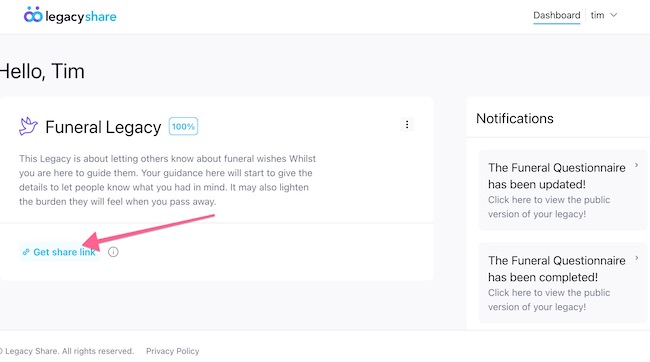
Clicking on this will give you a pop-up with the sharing link
Summary
If you want to access the summary page, you can by clicking the elipses menu, this will present you the options to 'View Summary' and 'Edit'.
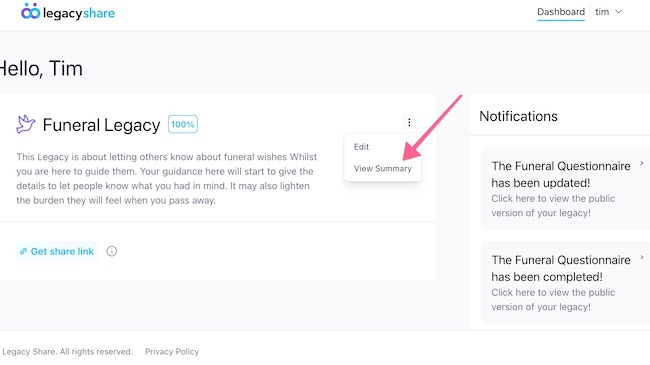
Here you can get the share link can copy to send to your loved ones. You can also share via Facebook and Twitter buttons.
|
Rate this Topic:
|
|||
|
